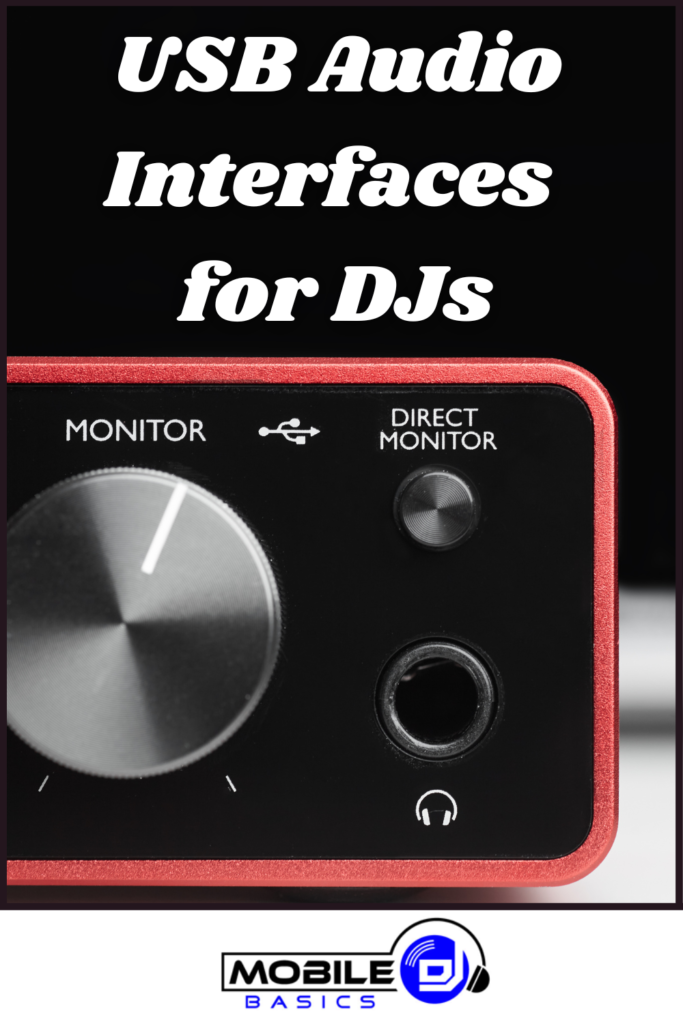
USB Interfaces For DJs are essential hardware bridges that connect your DJ equipment to your computer for digital mixing and recording. These audio interfaces convert analog signals from turntables, mixers, and microphones into digital data your DJ software can process. Professional DJs rely on USB interfaces to achieve studio-quality sound reproduction and low-latency performance during live sets.
Modern USB interfaces designed for DJs offer multiple input and output channels, allowing you to connect various audio sources simultaneously. They eliminate the need for your computer’s built-in sound card, which typically produces poor audio quality and high latency that can ruin a live performance.
TL;DR
- USB interfaces reduce audio latency to under 10 milliseconds for real-time DJ performance.
- Professional DJ interfaces offer at least 2 input and 4 output channels for flexible routing.
- 24-bit/96kHz sample rates provide studio-quality audio reproduction for live sets.
- ASIO driver support ensures stable performance with popular DJ software like Serato and Virtual DJ.
USB Interfaces For DJs: Essential Audio Hardware
A USB interface acts as the digital heart of your DJ setup when using DJ software for mixing. It processes audio signals from your physical equipment and sends them to your computer with minimal delay. Without a quality interface, you’ll experience audio dropouts, crackling, and timing issues that destroy the flow of your set.
Professional USB interfaces designed for DJs include dedicated gain controls, phantom power for condenser microphones, and hardware monitoring capabilities. These features let you adjust input levels without touching your computer and monitor your mix through headphones connected directly to the interface.
Key Features to Look for in DJ USB Interfaces
When selecting a USB interface for DJ use, specific features determine whether it will perform reliably during live events. The most critical specifications directly impact your ability to mix smoothly and maintain professional audio quality.
Input and Output Configuration
Professional DJ interfaces typically offer these connection options:
- Line inputs – Connect turntables, CD players, and external mixers
- Microphone inputs – XLR and 1/4″ connections for vocal microphones
- Phono preamps – Built-in amplification for turntable cartridges
- Balanced outputs – XLR or TRS connections to PA systems
- Headphone outputs – Dedicated monitoring with independent volume control
Technical Specifications
Audio quality depends on these technical capabilities:
- Sample rates – 44.1kHz minimum, 96kHz for professional applications
- Bit depth – 24-bit for dynamic range and audio fidelity
- Latency – Under 10ms for real-time mixing without noticeable delay
- Signal-to-noise ratio – 100dB or higher for clean audio reproduction
Popular USB Interface Models for DJs
Several manufacturers produce USB interfaces specifically designed for DJ applications. These models offer the right combination of features, reliability, and compatibility with popular DJ software platforms.
Native Instruments Traktor Audio 2 MK2
This compact interface provides two stereo inputs and outputs with built-in phono preamps for direct turntable connection. It includes dedicated cue and main outputs for professional DJ monitoring and works seamlessly with Traktor software while maintaining compatibility with other DJ platforms.
Focusrite Scarlett Solo
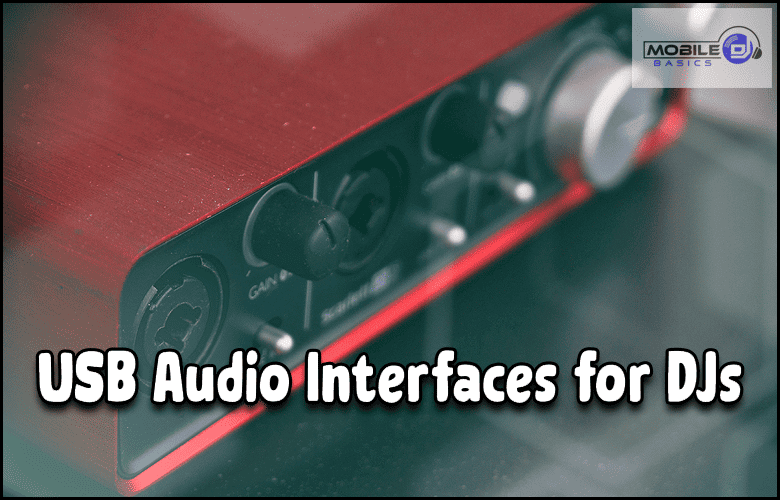
A budget-friendly option offering one XLR/line input and instrument input with 24-bit/192kHz conversion. While designed for general recording, its low latency and reliable drivers make it suitable for basic DJ setups with DJ controllers that handle audio routing internally.
Pioneer DJ DJM-REC
Specifically designed for DJs using Pioneer mixers, this interface captures stereo audio from any mixer with RCA outputs. It provides 24-bit/96kHz recording quality and includes loop-back functionality for live streaming and podcast recording.
Driver Installation Tip
Always install the manufacturer’s ASIO drivers before connecting your USB interface. Generic Windows or Mac drivers often cause audio dropouts and high latency that make live DJing impossible.
Setting Up Your USB Interface for DJ Performance
Proper configuration ensures your USB interface delivers optimal performance during live sets. The setup process involves both hardware connections and software configuration that must work together seamlessly.
Hardware Connection Steps
- Connect audio sources. Plug turntables into phono inputs or line sources into line inputs using proper cables.
- Set input gains. Adjust gain knobs so signal peaks reach -6dB to -3dB without clipping.
- Connect outputs. Run balanced cables from interface outputs to your PA system or DJ speakers.
- Plug in headphones. Connect monitoring headphones to the dedicated headphone output on the interface.
Software Configuration
Configure your DJ software to recognize and use the USB interface properly:
- Select audio device. Choose your USB interface as the audio device in your software’s preferences.
- Set buffer size. Use 128 or 256 samples for low latency without audio dropouts.
- Configure routing. Assign main output and cue output to the correct interface channels.
- Test monitoring. Verify that headphone cueing works independently from the main output.
Budget Considerations for DJ USB Interfaces
USB interface prices range from under $100 for basic models to over $500 for professional multi-channel units. Your budget should align with your performance requirements and the complexity of your DJ setup.
Entry-level interfaces around $50-$100 work well for bedroom DJs and those starting with DJ gear for beginners. These models typically offer 2 inputs and outputs with acceptable audio quality for practice and small events.
Professional interfaces costing $200-$400 provide multiple inputs, better preamps, and superior build quality for mobile DJs and club performers. These units handle complex routing scenarios and deliver the reliability needed for paid gigs.
Compatibility with DJ Software and Hardware
Modern USB interfaces support multiple DJ software platforms through standard audio drivers. However, some interfaces offer enhanced integration with specific software through proprietary protocols and custom control surfaces.
Popular DJ software platforms like Serato DJ, Virtual DJ, and djay Pro work with most USB interfaces through ASIO or Core Audio drivers. Native Instruments Traktor provides deeper integration with their own interfaces but maintains compatibility with third-party hardware.
When using laptops for DJs, ensure your computer has sufficient USB ports and processing power to handle the interface alongside your DJ software. Some high-channel-count interfaces require USB 3.0 for stable operation.
Frequently Asked Questions
Do I need a USB interface if I have a DJ controller?
Most modern DJ controllers include built-in USB interfaces, eliminating the need for a separate audio interface. However, external interfaces provide better audio quality and more routing flexibility for complex setups.
Can I use a regular audio interface for DJing?
Yes, any USB audio interface can work for DJing as long as it provides low latency and the necessary inputs and outputs. DJ-specific interfaces simply offer features optimized for live performance.
What’s the difference between USB 2.0 and USB 3.0 for DJ interfaces?
USB 2.0 provides sufficient bandwidth for most DJ interfaces. USB 3.0 offers more stability and headroom for high-channel-count interfaces but isn’t necessary for basic 2-channel setups.
How do I reduce latency with my USB interface?
Lower the buffer size in your DJ software to 128 or 256 samples, use ASIO drivers on Windows, and close unnecessary programs running on your computer during performance.
Final Thoughts
USB Interfaces For DJs provide the foundation for professional digital mixing by delivering clean audio conversion and reliable performance. The right interface transforms your computer into a powerful mixing platform capable of studio-quality output during live events.
Choose an interface that matches your current setup while allowing room for future expansion as your DJ career develops.
Subscribe to Our Newsletter
From discovering new songs to getting more gigs, I’m excited to share the wealth of knowledge I’ve gained through many years of DJing. [email protected]