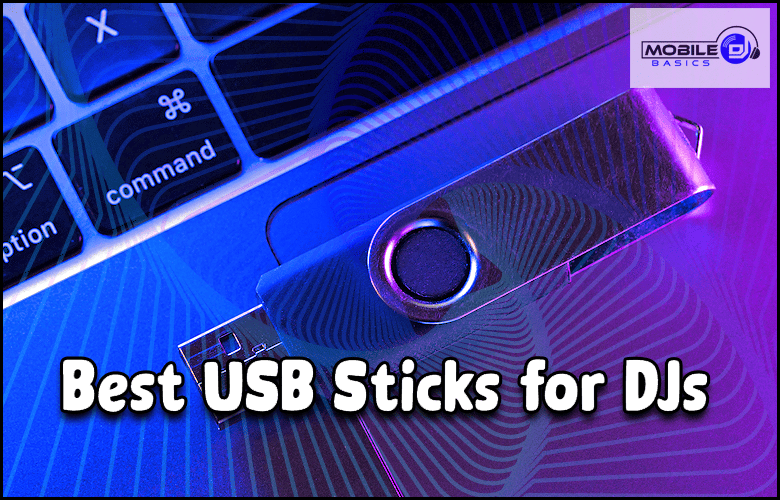
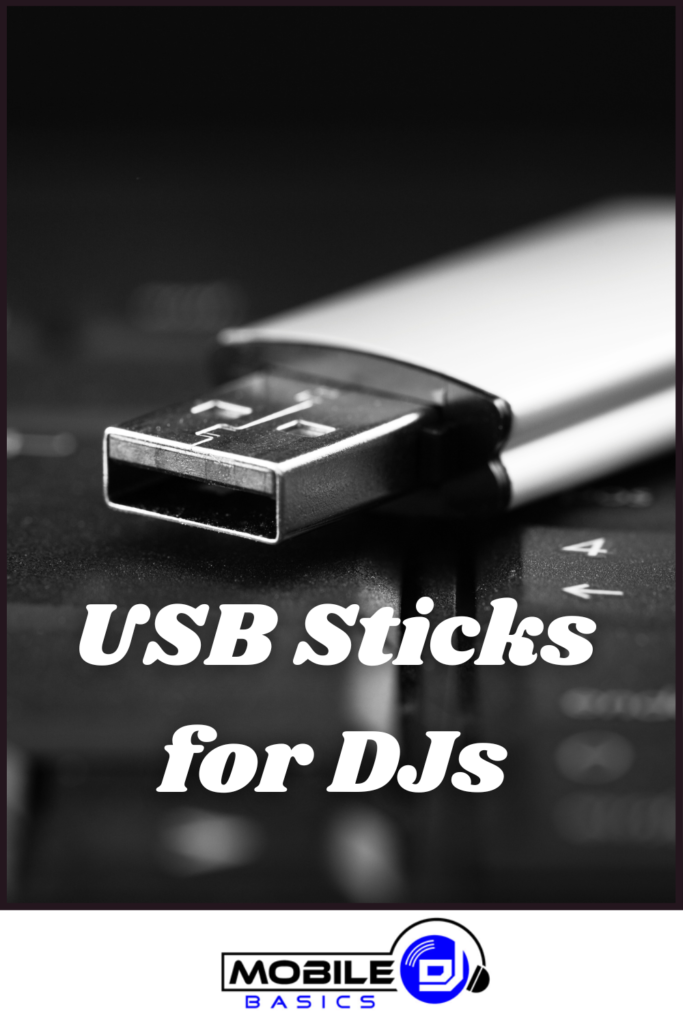
Best USBs for DJs are essential tools that can make or break your performance when you need reliable storage and quick file access during live sets. The right USB drive ensures your music library loads fast, stays organized, and works seamlessly with your DJ software and hardware.
Modern DJ setups rely heavily on digital music files, making USB selection a critical decision for both mobile DJs and club performers. Whether you’re using Pioneer CDJs, Denon decks, or computer-based setups, having the right USB drives can prevent technical disasters and keep your sets flowing smoothly.
TL;DR
- USB 3.0 drives with 32GB-128GB capacity handle most DJ libraries with read speeds over 100MB/s.
- SanDisk Extreme Pro and Samsung BAR Plus offer the best reliability for club environments.
- Format drives to FAT32 for maximum compatibility with Pioneer CDJs and most DJ hardware.
- Always carry 2-3 backup USBs with identical music libraries to prevent set failures.
Best USBs for DJs
Professional DJs need USB drives that combine speed, reliability, and compatibility with various DJ equipment. The key factors include read/write speeds, build quality, capacity, and file system compatibility.
USB 3.0 technology provides the minimum speed requirements for modern DJ software and CDJ systems. Anything slower than USB 2.0 will cause frustrating delays when loading tracks or browsing through large music libraries during live performances.
SanDisk Extreme Pro
The SanDisk Extreme Pro stands out as the top choice for professional DJs who need maximum reliability. This drive offers read speeds up to 420MB/s and write speeds up to 380MB/s, making track loading nearly instantaneous on any DJ system.
The aluminum metal casing protects against drops and temperature extremes common in club environments. The compact design fits easily in DJ bags without taking up excessive space, and the included keychain loop prevents loss during transport.
Samsung BAR Plus
Samsung BAR Plus delivers excellent performance for DJs who want reliable storage without premium pricing. With read speeds up to 300MB/s, this drive handles large WAV files and quick track switching without lag.
The water-resistant metal housing withstands spills and humidity found in many venues. The sleek design includes a built-in loop for easy attachment to keychains or DJ cases.
Kingston DataTraveler Max
Kingston DataTraveler Max offers solid performance for budget-conscious DJs who still need dependable storage. Read speeds reach 1000MB/s with USB 3.2 compatibility, providing excellent value for the price point.
The sliding cap design protects the connector while remaining easy to operate in dark club environments. Multiple capacity options from 32GB to 1TB accommodate different library sizes and budget requirements.
USB Capacity Requirements for DJs
Most mobile DJs need between 32GB and 128GB of storage space for their working music libraries. A 64GB drive typically holds 8,000-12,000 songs in high-quality MP3 format, which covers most performance requirements.
Club DJs and specialists in specific genres might need larger capacities up to 256GB or 512GB. However, carrying multiple smaller drives often provides better organization and backup security than relying on one massive storage device.
- 32GB – Perfect for small gigs and backup drives with 4,000-6,000 tracks
- 64GB – Standard capacity for most mobile DJ setups with 8,000-12,000 tracks
- 128GB – Large libraries and multi-genre collections with 16,000-24,000 tracks
- 256GB+ – Professional club DJs with extensive catalogs and lossless audio files
File System Compatibility
FAT32 remains the most compatible file system for DJ equipment, working with Pioneer CDJs, Denon players, and most DJ controllers. This format supports individual files up to 4GB, which accommodates most music files except very long mixes or uncompressed audio.
ExFAT provides better large file support but isn’t universally compatible with older DJ hardware. NTFS works well with Windows-based systems but may cause problems with Mac computers and some standalone DJ equipment.
Format Multiple Drives Identically
Set up 2-3 backup USBs with identical folder structures and music libraries. This preparation saves your set if a primary drive fails mid-performance.
Speed Requirements for Live Performance
DJ software and hardware need consistent read speeds to prevent track loading delays during live sets. USB 3.0 drives with minimum read speeds of 100MB/s handle most DJ applications without performance issues.
Higher-end laptops for DJs can take advantage of faster USB 3.1 and 3.2 speeds when working with large lossless audio files. However, most club CDJ systems operate perfectly with standard USB 3.0 performance levels.
Track Loading Performance
Fast USB drives reduce the time between track selection and playback, which is critical during busy dance floors. Slow drives create awkward gaps that can kill the energy of your set.
When using rekordbox or Serato with DJ mixers, faster USBs also improve database scanning and playlist loading times. This speed becomes especially important when managing libraries with thousands of tracks.
Durability and Build Quality
DJ environments subject USB drives to extreme conditions including temperature changes, humidity, vibrations, and accidental drops. Metal-cased drives generally outperform plastic versions in these demanding situations.
Water resistance provides essential protection against drink spills common in nightclub and event venues. Shock resistance prevents data loss when drives fall from mixer surfaces or get jostled in transport cases.
- Metal housing – Better heat dissipation and impact resistance
- Water resistance – Protection against spills and humidity
- Shock protection – Prevents damage from drops and vibrations
- Temperature tolerance – Reliability in hot booth environments
Organization and Backup Strategies
Professional DJs maintain multiple USB drives with different purposes – main library, backup copy, and specialized collections for specific events. This redundancy prevents catastrophic failures that could end your career.
Label drives clearly and use consistent folder structures across all devices. Many DJs organize by genre, BPM ranges, or event types to speed up track selection during live performance.
Recommended Drive Setup
Carry three identical USB drives for every performance. The primary drive contains your full working library, while backup drives provide instant replacement options if hardware fails.
Keep one backup drive completely separate from your main DJ backpack to protect against theft or equipment loss. Update all drives simultaneously when adding new music to maintain consistency across your setup.
Articles You May Like
Frequently Asked Questions
What USB format works best with Pioneer CDJs?
FAT32 provides the best compatibility with Pioneer CDJ equipment, supporting most music files while maintaining universal hardware compatibility.
How many songs fit on a 64GB USB drive?
A 64GB drive typically holds 8,000-12,000 songs in high-quality MP3 format, depending on file sizes and audio quality settings.
Do I need USB 3.0 for DJ equipment?
USB 3.0 significantly improves track loading speeds and database scanning performance compared to older USB 2.0 technology.
How many backup USB drives should DJs carry?
Professional DJs should carry 2-3 identical backup drives with the same music library to prevent performance disasters from hardware failures.
Final Thoughts
Best USBs for DJs combine speed, durability, and compatibility to ensure reliable performance in demanding live environments. The SanDisk Extreme Pro and Samsung BAR Plus offer the best balance of features for professional use.
Invest in multiple high-quality drives rather than relying on a single device – your reputation depends on consistent performance every night.
Subscribe to Our Newsletter

From discovering new songs to getting more gigs, I’m excited to share the wealth of knowledge I’ve gained through many years of DJing. [email protected]