DJ Laptop Stands provide the stable platform and ergonomic positioning that mobile DJs need during long mixing sessions. Whether you’re performing at weddings, clubs, or private events, having your laptop at the right height and angle prevents neck strain and keeps your equipment secure.
The right laptop stand transforms your DJ setup from cramped and uncomfortable to professional and efficient. Modern stands offer adjustable height, sturdy construction, and cable management features that help you focus on your performance instead of worrying about equipment stability.
TL;DR
- Adjustable height stands should offer 6-12 inches of vertical range for proper ergonomic positioning.
- Weight capacity of 15-20 pounds handles laptops plus external hard drives and audio interfaces safely.
- Folding stands weigh 3-5 pounds and pack down to briefcase size for easy transport between gigs.
- Cable management clips and routing channels prevent tangled wires during setup and breakdown.
DJ Laptop Stands: Essential Setup Equipment
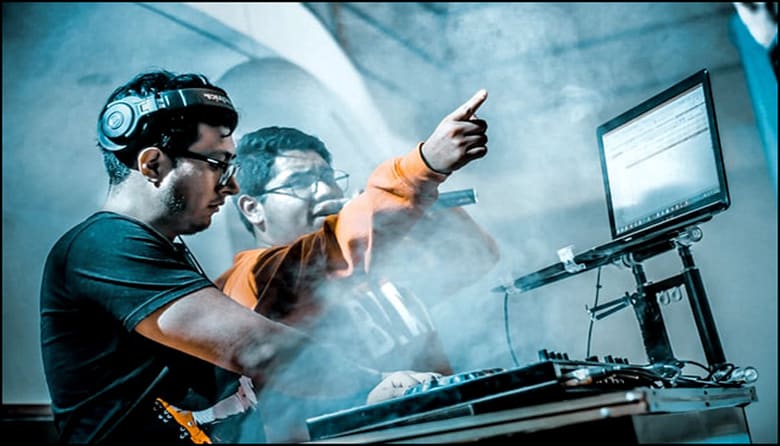
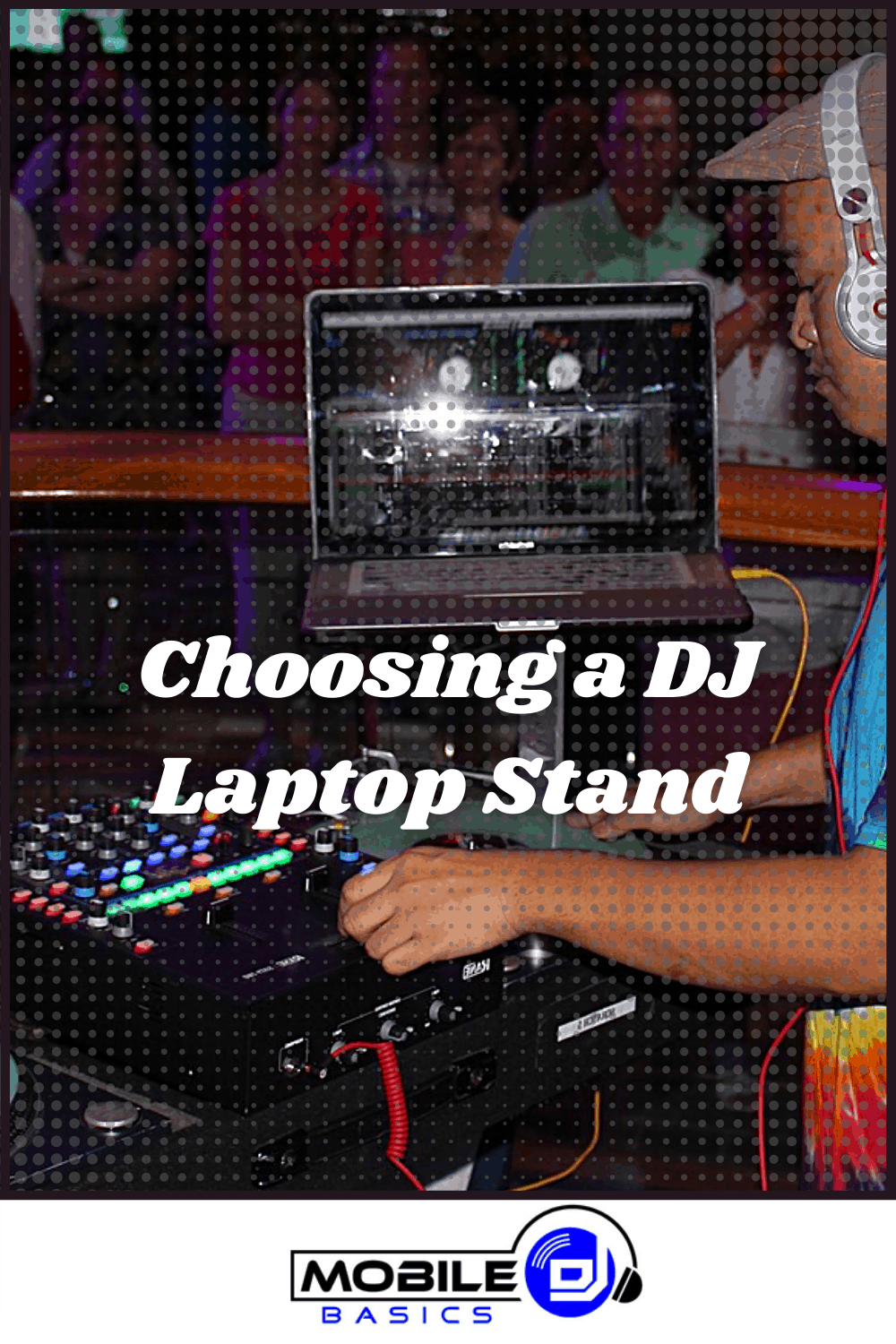
A quality laptop stand serves as the foundation of your mobile DJ setup. The stand positions your screen at eye level, reducing neck strain during 4-6 hour events while providing a stable surface that won’t wobble when you’re typing or clicking.
Professional DJs rely on stands that adjust quickly between different venue setups. Club booths require different positioning than outdoor wedding receptions, and your stand needs to adapt without requiring tools or complex adjustments.
Key Features for DJ Laptop Stands
The best laptop stands for DJs combine portability with rock-solid stability. Here are the features that matter most for live performance:
- Height adjustment range – Look for 6-12 inches of vertical adjustment to work with different DJ booth configurations.
- Weight capacity – Minimum 15 pounds to support your laptop plus external drives and interfaces.
- Stability base – Wide tripod legs or Z-frame design that won’t tip when you’re mixing aggressively.
- Quick setup – Tool-free assembly that takes under 2 minutes to deploy at each venue.
- Cable management – Built-in clips or channels to keep power and USB cables organized.
- Folding design – Compact fold-down for easy transport in your DJ backpack or gear case.
Tripod vs Z-Frame Designs
Tripod stands offer maximum adjustability but take up more floor space. The three-leg design provides excellent stability and works well when you have room to spread the legs fully.
Z-frame stands have a smaller footprint and fit better in tight DJ booths. They’re typically more portable but may have limited height adjustment compared to tripod models.
Ergonomic Benefits for Mobile DJs
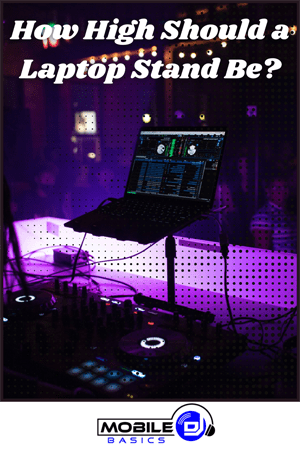
Proper laptop positioning prevents the neck and back pain that comes from hunching over a low screen for hours. Your laptop screen should sit at eye level when you’re standing upright at your DJ controller.
The 15-20 degree tilt angle that most stands provide reduces glare from venue lighting while keeping the keyboard accessible. This positioning lets you check your DJ software without taking your eyes off the dance floor for extended periods.
Pro Setup Tip
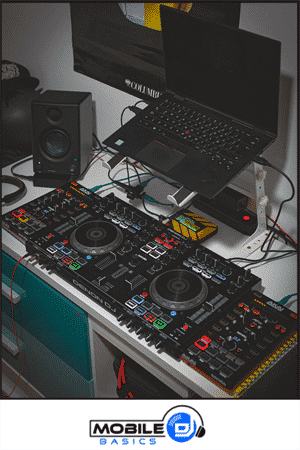
Position your laptop stand slightly behind your mixer so you can see both the screen and your equipment without turning your head. This creates a natural workflow triangle between your laptop, mixer, and the crowd.
Compatibility with DJ Equipment
Modern laptop stands work with all major laptop sizes from 11-inch ultrabooks to 17-inch gaming laptops. The platform width typically ranges from 12-15 inches, providing enough space for your DJ laptop plus small accessories like external drives.
Many stands include adjustable support arms that grip your laptop securely without blocking ports. This design lets you connect USB interfaces, power cables, and external drives while keeping everything stable during performance.
Integration with DJ Controllers
Your laptop stand should complement your controller setup without interfering with cable runs or blocking access to knobs and faders. Position the stand so laptop cables can reach your controller and audio interface without creating trip hazards.
Some DJs prefer stands with secondary shelves that can hold external drives, dongles, or backup devices. This keeps everything within reach while maintaining a clean, professional appearance.
Portability and Transport
Mobile DJs need equipment that travels well between venues. The best laptop stands fold down to 18-24 inches in length and weigh under 5 pounds, making them easy to carry alongside your other gear.
Look for stands that come with carrying bags or cases to protect the finish during transport. Padded bags also prevent the stand from scratching other equipment in your vehicle or gear case.
- Folded dimensions – Should fit in standard DJ gear bags or backpacks
- Weight – Under 5 pounds for easy one-hand carrying
- Carrying case – Protects finish and prevents scratches
- Quick assembly – No tools required for setup or breakdown
Cable Management Solutions
Professional laptop stands include cable management features that keep your setup looking clean and prevent accidental disconnections. Built-in clips secure power and USB cables along the stand’s legs or frame.
Some stands feature routing channels that guide cables from your laptop down to floor level without creating loops or tangles. This organization becomes crucial when you’re working in low light conditions and need to make quick adjustments.
Frequently Asked Questions
What height should a DJ laptop stand be set to?
Set your laptop screen at eye level when standing normally at your DJ setup. This typically means 48-54 inches from the floor for most DJs.
Can laptop stands hold external drives and interfaces?
Most DJ laptop stands can support 15-20 pounds total weight, which includes your laptop plus small external devices. Check the weight capacity before adding multiple accessories.
Do I need a laptop stand for bedroom DJ practice?
A laptop stand improves ergonomics even for practice sessions and helps you maintain proper posture. It also simulates the setup you’ll use at actual gigs.
Will a laptop stand work with DJ software running full screen?
Yes, laptop stands work with all DJ software platforms. The stand simply provides a stable platform – it doesn’t affect software performance or display options.
Final Thoughts
DJ Laptop Stands are essential for maintaining proper posture and equipment stability during live performances. The right stand transforms your mobile setup from amateur to professional while protecting your expensive laptop investment.
Start with an adjustable tripod or Z-frame stand that fits your transport needs and venue requirements. Your neck and back will thank you after those long wedding receptions and club nights.




Subscribe to Our Newsletter

From discovering new songs to getting more gigs, I’m excited to share the wealth of knowledge I’ve gained through many years of DJing. [email protected]