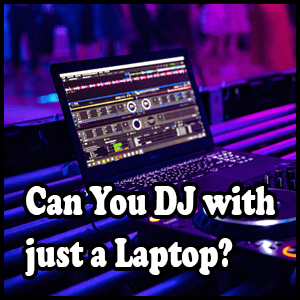
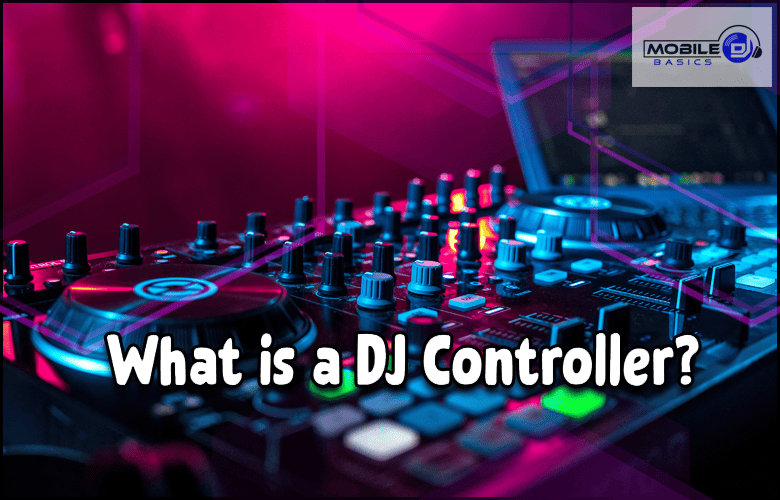
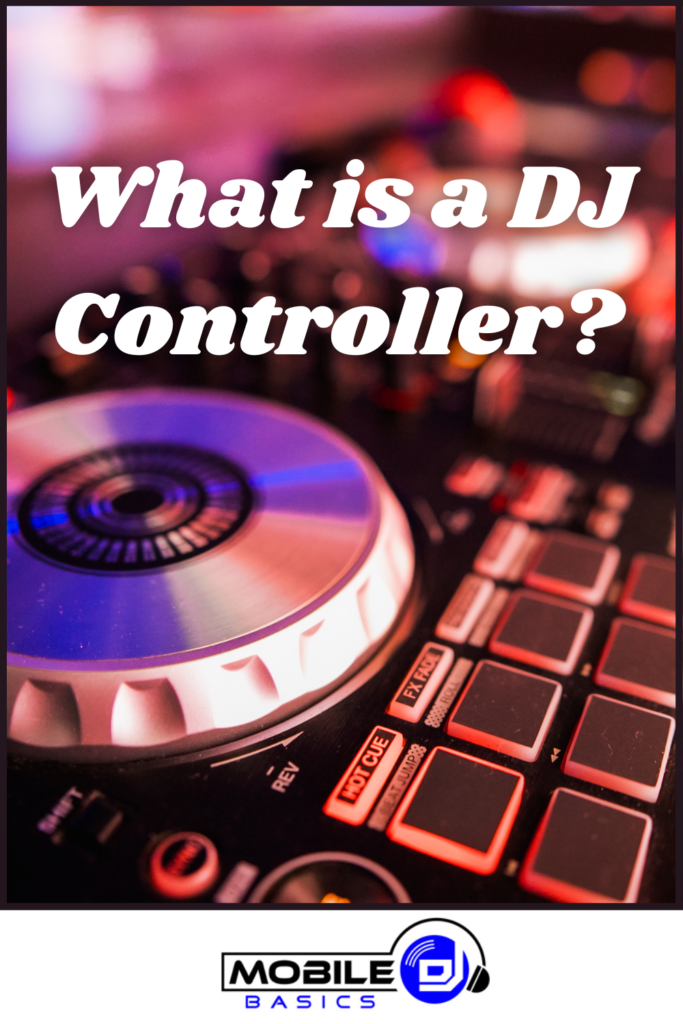
What Is A DJ Controller and how does it work for modern DJs? A DJ controller is a hardware device that connects to your computer and gives you physical controls for DJ software like Serato, Virtual DJ, or rekordbox. Think of it as a bridge between digital music files and hands-on mixing – you get the convenience of laptop DJing with the feel of traditional turntables and mixers.
Controllers range from compact portable units perfect for bedroom DJs to professional-grade systems used in clubs worldwide. They typically include jog wheels, faders, knobs, and buttons that mirror the functions you’d find in DJ software, letting you mix tracks without constantly clicking your mouse.
TL;DR
- DJ controllers connect to computers via USB and control DJ software through physical knobs, faders, and buttons.
- Entry-level controllers start around $100 while professional models can cost $2,000 or more.
- Most controllers work with multiple DJ software programs including Serato DJ, Virtual DJ, and rekordbox.
- Controllers eliminate the need for separate turntables, mixers, and CD players by combining everything into one unit.
What Is A DJ Controller and How It Works
A DJ controller acts as a physical interface for digital DJ software on your computer. When you turn a knob or move a fader on the controller, it sends MIDI signals to your DJ software, which then responds by adjusting volume, effects, or other parameters. This creates a tactile experience that feels more natural than using a mouse and keyboard.
The controller doesn’t actually process audio – that happens in your computer’s DJ software. Instead, it serves as a remote control that gives you instant access to mixing functions without hunting through software menus during a live performance.
Essential Components of DJ Controllers
Every DJ controller includes several key elements designed to replicate traditional DJ equipment. Understanding these components helps you choose the right controller for your needs and mixing style.
Jog Wheels
Jog wheels are the circular discs that simulate turntable platters. You can scratch with them, nudge tracks to stay in sync, and browse through songs. Touch-sensitive jog wheels detect when you’re touching the top versus the outer edge, changing their function accordingly.
Channel Faders and Crossfader
Channel faders control the volume of individual tracks, while the crossfader lets you blend between the left and right decks. Quality faders feel smooth and respond precisely to your movements – crucial for clean mixes and scratching techniques.
EQ and Filter Knobs
Three-band EQ knobs adjust bass, mid, and treble frequencies for each channel. Filter knobs create sweep effects by cutting high or low frequencies. These controls shape your sound and help tracks blend together seamlessly during transitions.
Transport Controls
Play, pause, cue, and sync buttons control track playback. The sync button automatically matches the tempo between tracks, while cue buttons let you preview music through headphones before playing it to the crowd.
Types of DJ Controllers
Controllers come in various sizes and configurations to match different experience levels and use cases. Choosing the right type depends on your budget, space constraints, and performance goals.
Compact Controllers
These portable units typically measure 12-18 inches wide and focus on essential mixing functions. They’re perfect for beginners learning basic skills or experienced DJs who need portable gear for travel gigs. Compact controllers usually have 2 channels and simplified layouts.
Mid-Range Controllers
Offering more features and better build quality than compact models, mid-range controllers often include 4 channels, larger jog wheels, and additional performance pads. They strike a balance between functionality and portability for serious hobbyists and semi-professional DJs.
Professional Controllers
Top-tier controllers feature premium components, extensive connectivity options, and advanced performance features. They’re built for club use and heavy touring, with robust construction that can handle nightly use. Many include built-in audio interfaces and standalone capabilities.
Choosing Your First DJ Controller
When selecting a controller, consider your experience level, musical style, and where you plan to perform. Budget constraints matter too – you don’t need the most expensive model to start learning and having fun.
- Software compatibility – Ensure the controller works with your preferred DJ software or comes with a license included.
- Audio interface quality – Built-in sound cards save money and setup time compared to separate audio interfaces.
- Physical size – Consider your available space and whether you’ll transport the controller frequently.
- Pad functions – Performance pads add creative options for hot cues, loops, and samples during sets.
- Build quality – Read reviews about component durability, especially for heavily-used controls like faders and jog wheels.
Controller Setup Tip
Always download the latest drivers and software from the manufacturer before connecting your new controller. This prevents compatibility issues and ensures you have access to all features.
DJ Controller vs Traditional Setup
Controllers offer significant advantages over traditional vinyl or CD setups, especially for mobile DJs and beginners. However, some DJs still prefer the classic approach for certain situations.
Controllers eliminate the need to carry multiple pieces of equipment – no separate mixer, turntables, or CD players required. Your entire setup fits in one or two cases, making load-in and setup much faster. Digital music storage means you can carry thousands of songs without physical media.
Traditional setups offer the authentic feel of vinyl manipulation and the reliability of standalone equipment that doesn’t depend on computer stability. Some DJs find the larger platters and heavier components of traditional gear more responsive for advanced techniques.
Software Integration
Most controllers work with multiple DJ software programs, though many come bundled with specific software licenses. Popular options include Serato DJ Lite, Virtual DJ, rekordbox, and Traktor Pro.
The software handles all audio processing, effects, and track management while the controller provides physical control. This separation means you can upgrade software features without buying new hardware, or switch between different programs if your needs change.
Getting Started with Your Controller
Once you’ve chosen a controller, spend time learning its layout and basic functions before performing for others. Start with simple mixing techniques like beatmatching and basic transitions between songs.
- Connect and calibrate. Install drivers, connect via USB, and adjust settings in your DJ software for optimal performance.
- Learn the layout. Practice finding controls without looking down – muscle memory is crucial during live performances.
- Master basic mixing. Focus on smooth transitions, proper EQ use, and maintaining consistent energy levels.
- Add creative elements. Once basics are solid, explore effects, loops, and performance pad functions to develop your unique style.
Frequently Asked Questions
Do I need a laptop to use a DJ controller?
Yes, most DJ controllers require a computer running DJ software to function. However, some high-end models can operate standalone with USB drives or built-in storage.
Can I use any DJ software with my controller?
Most controllers work with multiple software programs, but check compatibility before purchasing. Some features may only work with specific software.
How much should I spend on my first controller?
Entry-level controllers between $100-300 offer everything beginners need to learn mixing fundamentals. Invest more as your skills and performance needs grow.
Do DJ controllers need external speakers?
Controllers output audio through your computer’s sound card, so you’ll need speakers or headphones. Many controllers include built-in audio interfaces for better sound quality.
What’s the difference between 2-channel and 4-channel controllers?
Two-channel controllers let you mix between two tracks at once, while 4-channel models allow more complex mixing with up to four simultaneous tracks.
Final Thoughts
What Is A DJ Controller becomes clear once you understand it’s essentially a physical remote control for your computer’s DJ software. Controllers make digital DJing more intuitive and performance-ready while keeping costs and complexity manageable compared to traditional setups.
Start with a basic model that fits your budget and space constraints. Focus on mastering fundamental mixing skills before investing in advanced features – great DJing comes from practice and musical knowledge, not expensive gear.
Subscribe to Our Newsletter
From discovering new songs to getting more gigs, I’m excited to share the wealth of knowledge I’ve gained through many years of DJing. [email protected]